

I’ve seen a lot of questions about Zeffy in the non-profit space recently, so I thought I would write a blog post about my experience with it.
Just a note that I do not have a non-profit and am not a Zeffy affiliate – I’ve just used, like and recommend it! (And while I’m noting, AI was not involved in the writing of this post. Just old-fashioned research and fingers to the keyboard.)
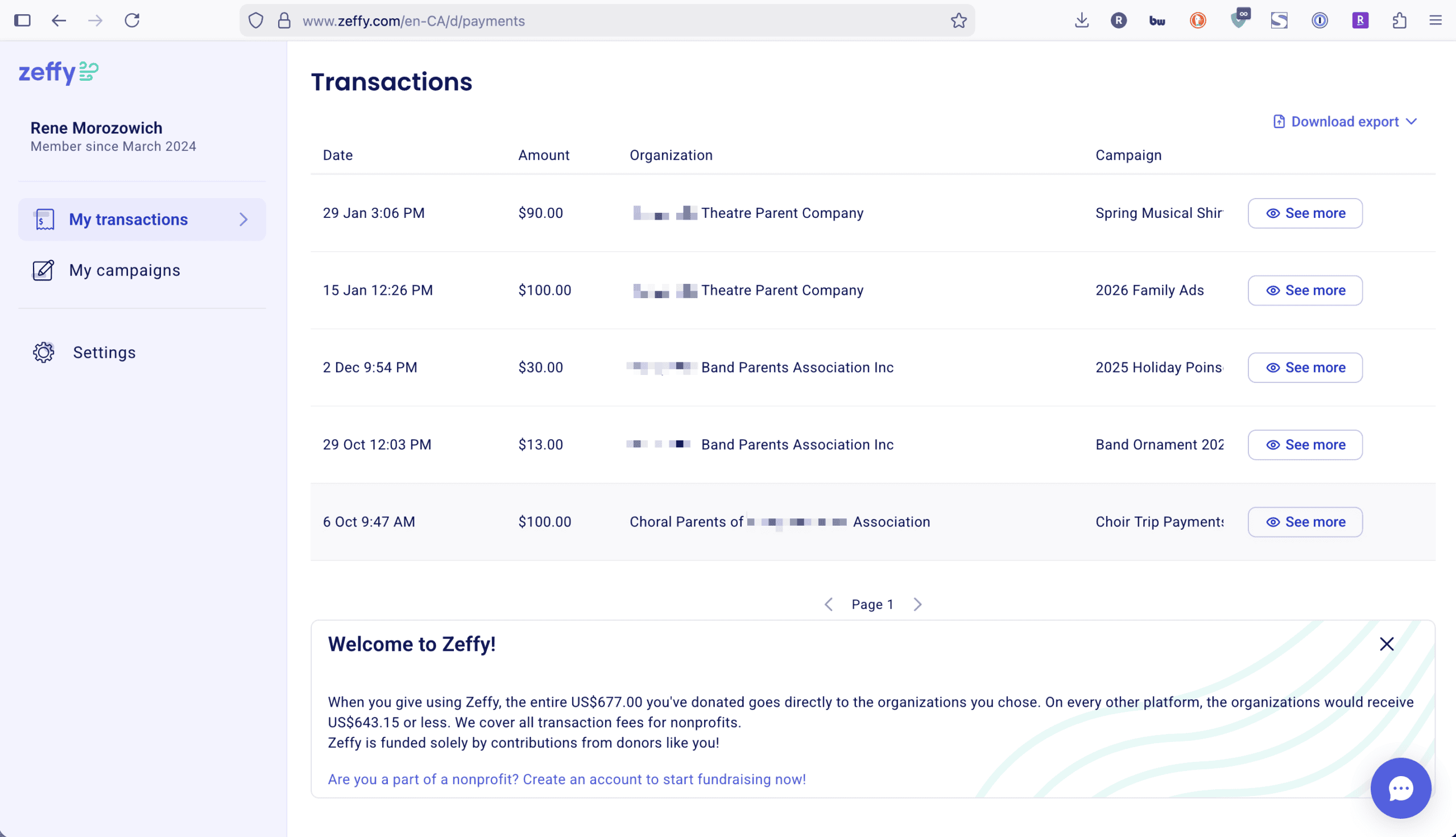
My experience with Zeffy has been with several parent booster organizations. I’ve donated through it many times ($677 according to Zeffy 😆). And I’ve also recommended it to a few additional parent booster organizations who either didn’t have a solution or whose solution was too technical or ate up too much in fees.
What is Zeffy?
Zeffy is a fundraising platform for non-profits with zero fees – no credit card fees and no platform fees.
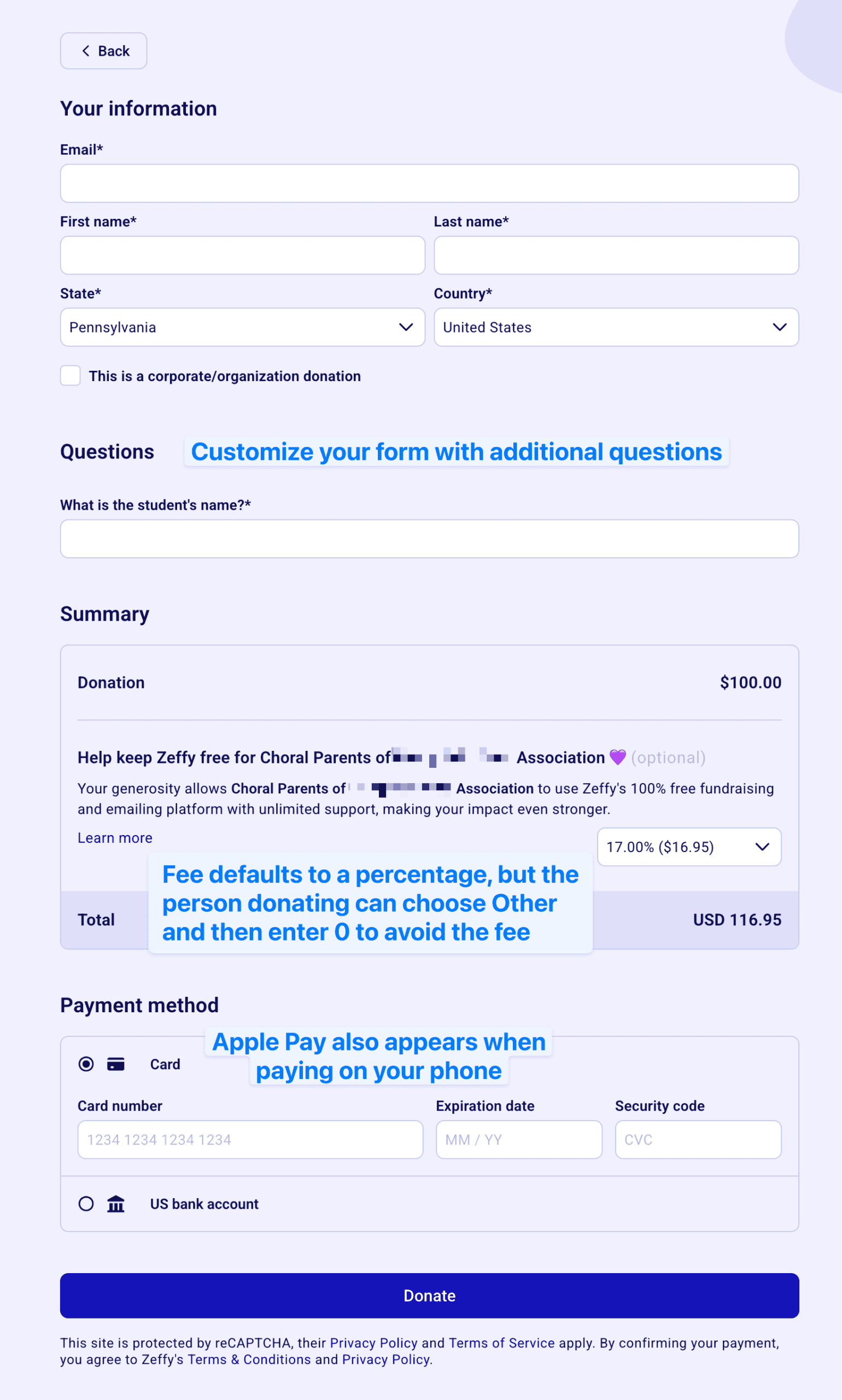
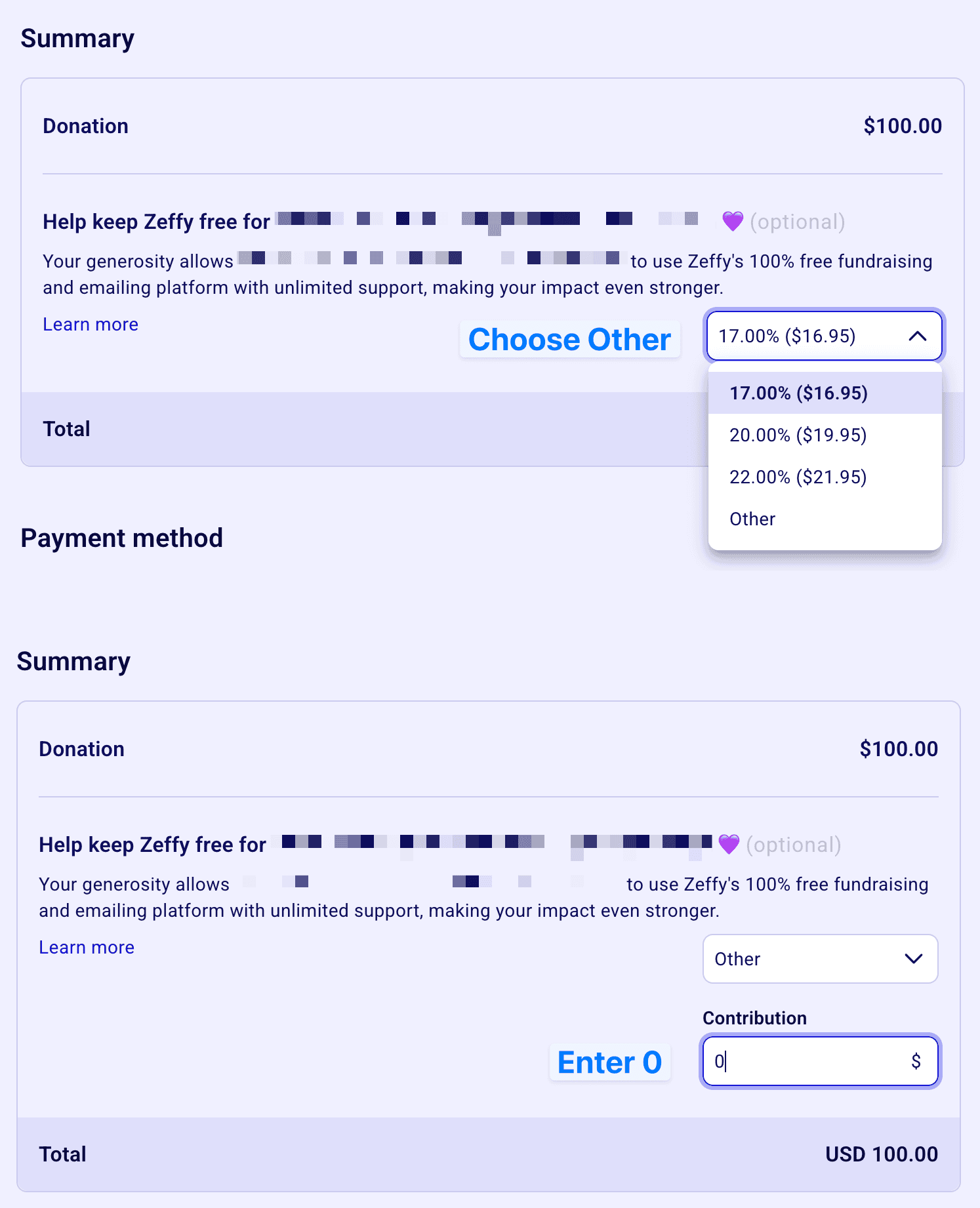
People often wonder how Zeffy is able to provide a service with no fees for the non-profit. It’s because fees are passed on to the person donating except if they choose to override them (with two easy steps – see the screenshots below). I think many people pay the default fee that shows on the checkout screen though, so money is made.
Creating Your Account
Before you sign up for Zeffy, make sure you have a professional email at your domain. Non-profits are eligible for a free Google Workspace account (and a free Canva account). For all of these services, you’ll need your 501c3 (or other non-profit status) paperwork.
Visit zeffy.com and click Sign up for free to get to the registration page. Fill out the information required, submit your non-profit paperwork and connect your bank account. You can also visit the help center for information on getting started.
Next up – create a donation form!
Donation Forms
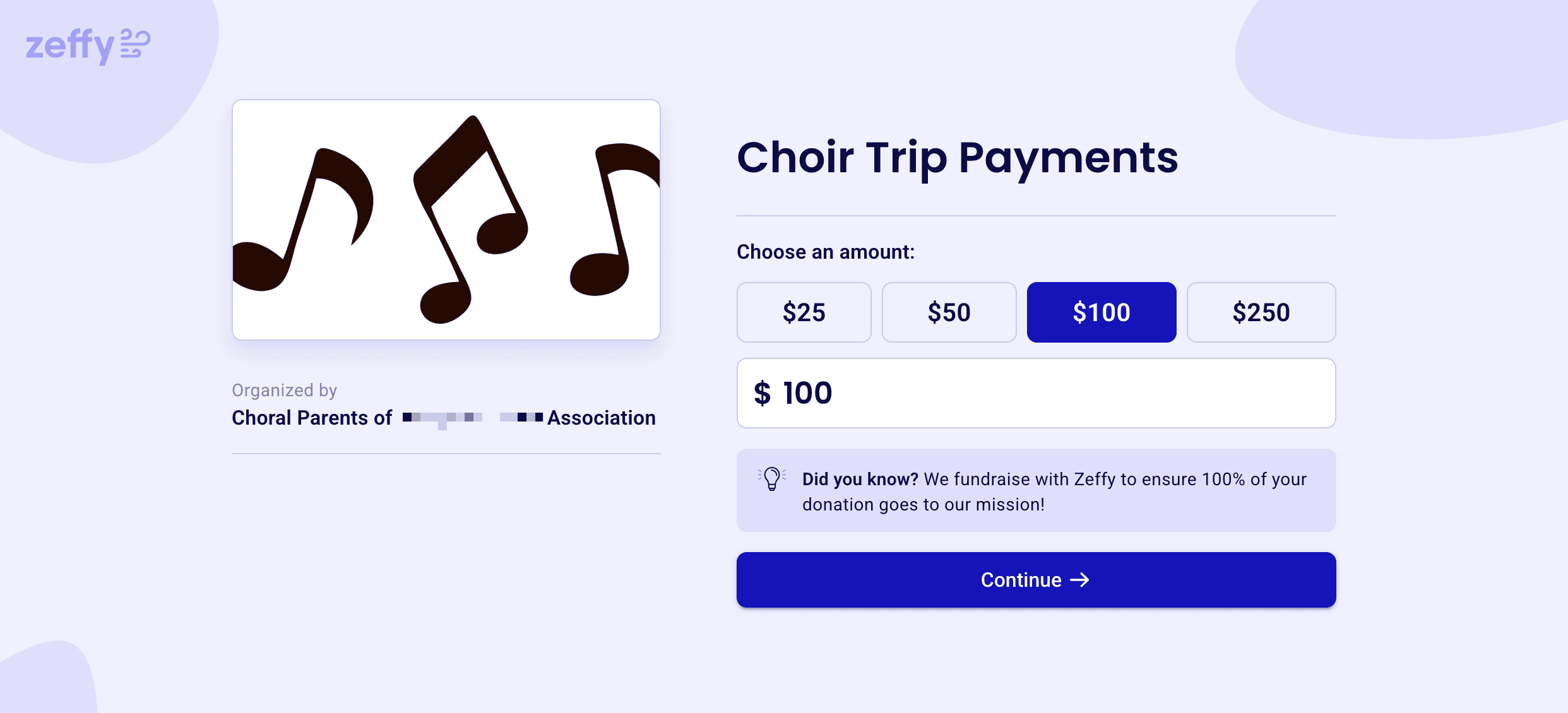
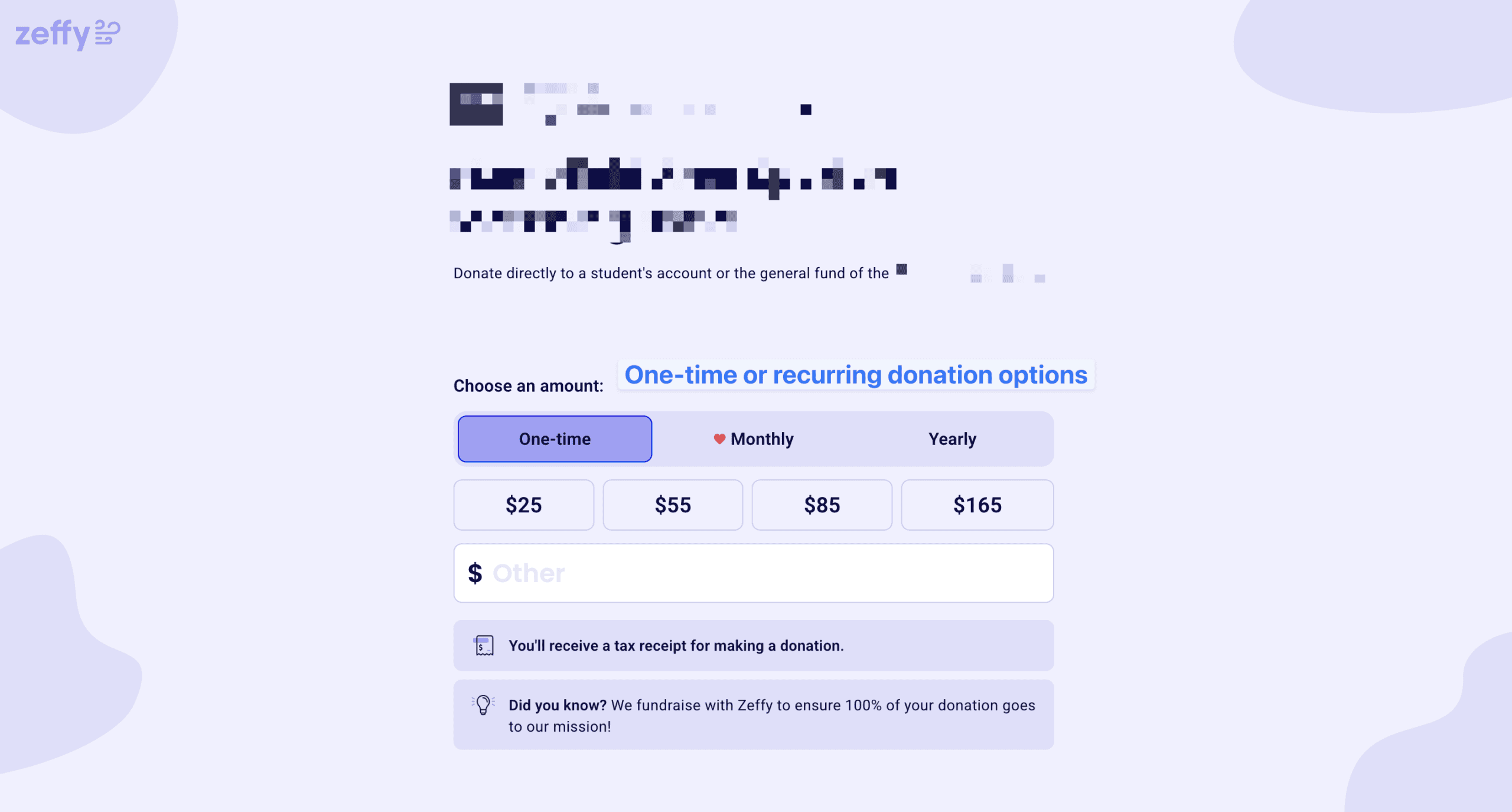
There are two types of donation forms that you might want to create – traditional donation forms where someone chooses an amount or enters their own amount AND a “ticketing” type of donation form.
The first donation form is the easiest. Enter your form name, description, possibly a photo and the pre-defined amounts. Choose what additional information to collect from your supporters and publish the form. You can also allow people to make a monthly or yearly recurring donation easily.
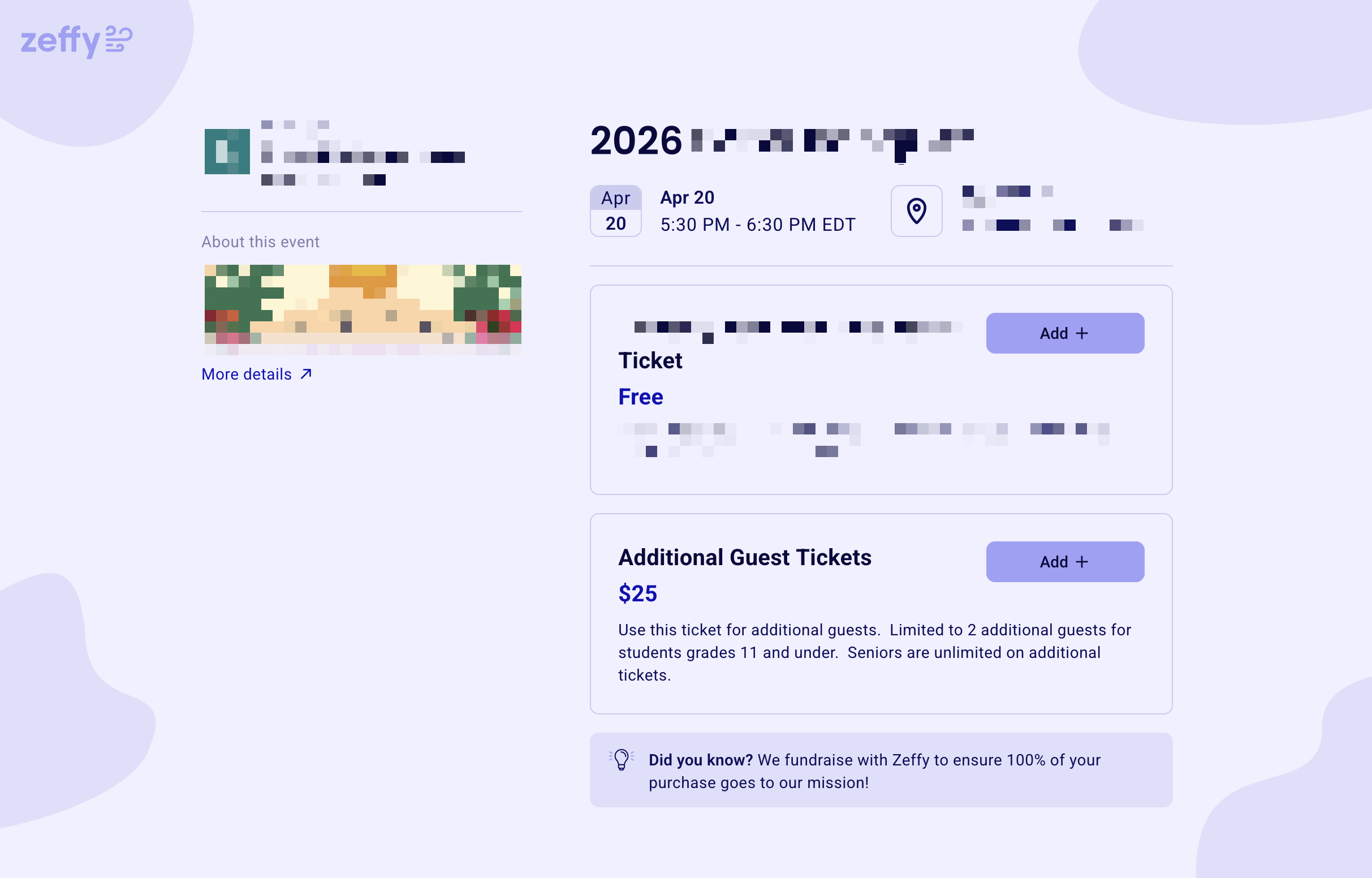
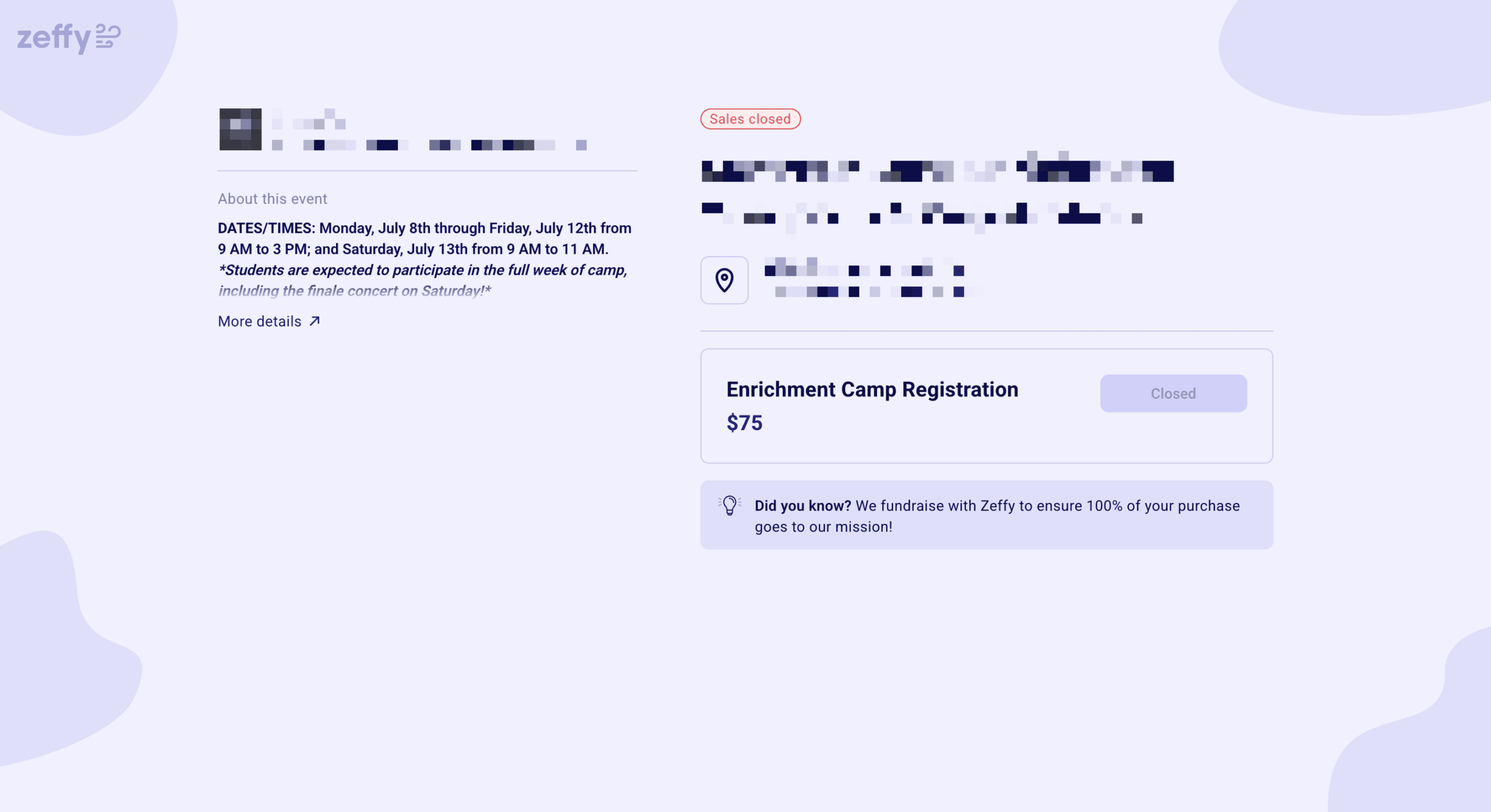
The next type of form is the ticketing form. This is commonly used for events, but you may find a need for this form even if you don’t have events! In the parent booster organizations I am a part of, we have used ticketing forms to sell:
- Ads for programs
- T-shirts and other merchandise
- Concessions
Once you are no longer accepting donations for a particular campaign, you can turn the form off.
Additional Features
Zeffy has a number of other features that I’ve seen in the organizations I am a part of:
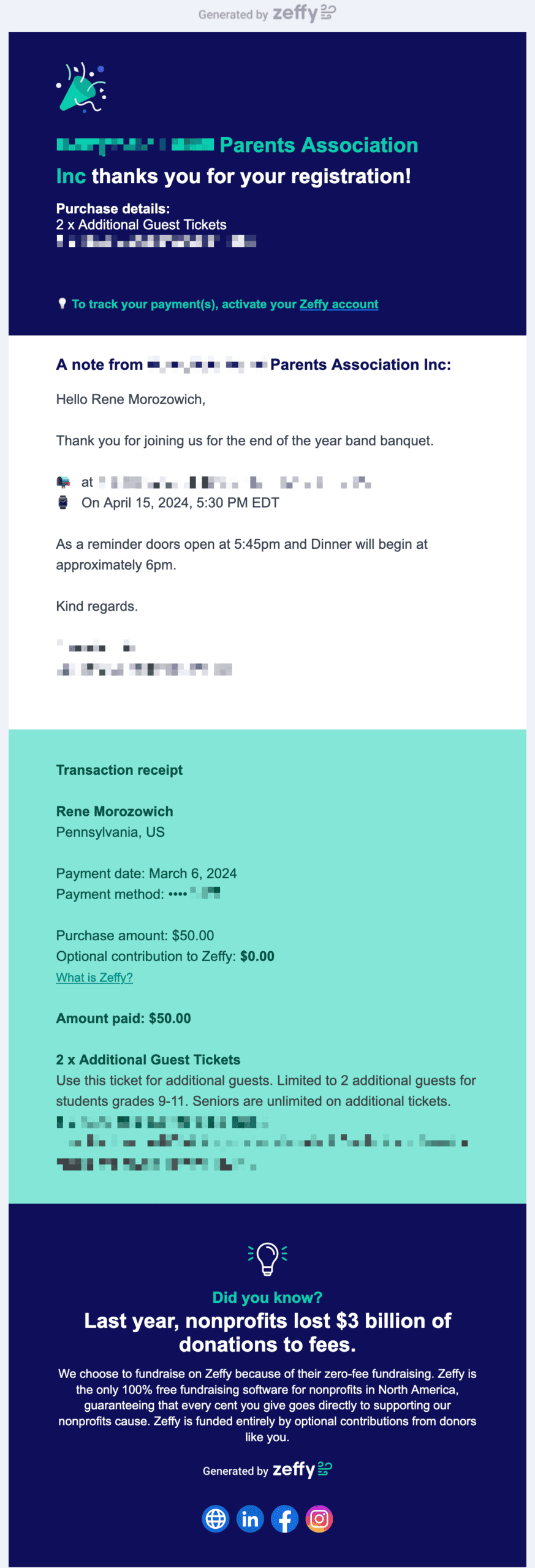
- Customized email receipts
- Advanced reporting
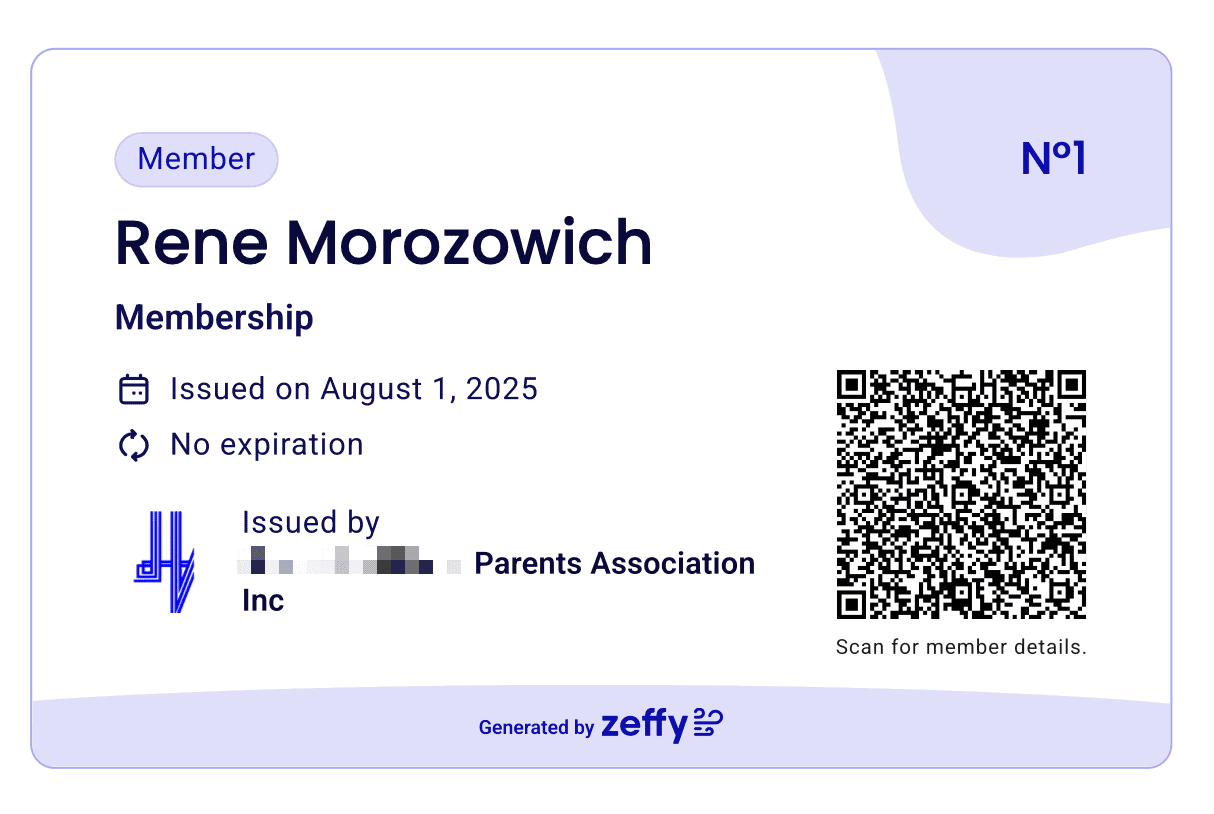
- Selling memberships (and creating membership cards)
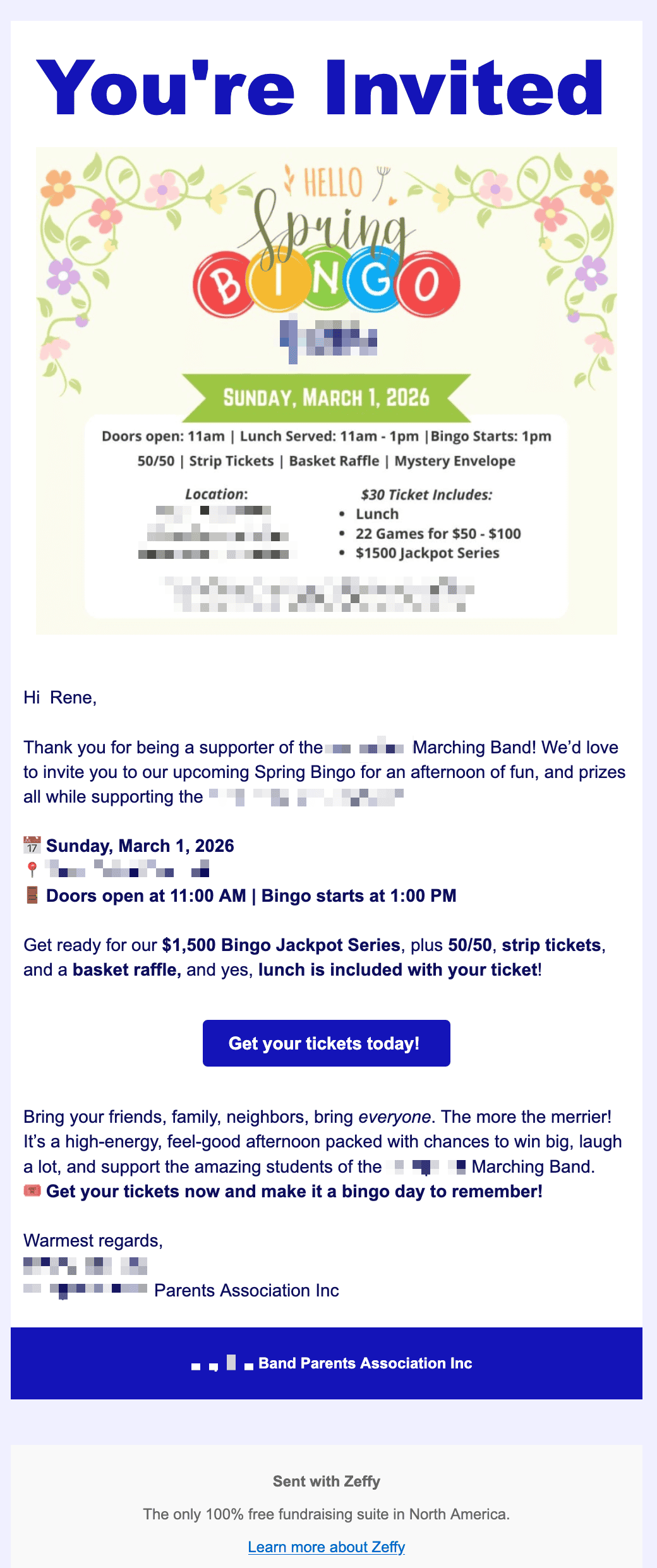
- Emails to supporters inviting them to donate
- A way for supporters to create a Zeffy account so they can see their transactions (across ALL organizations that they donate to who use Zeffy)
- Payment via Apple Pay on the phone
- Generate QR codes to use in marketing materials
- Embed donation forms on other sites
And there are tons of other features – peer-to-peer campaigns, raffles, auctions, online stores, and more.
Screenshots
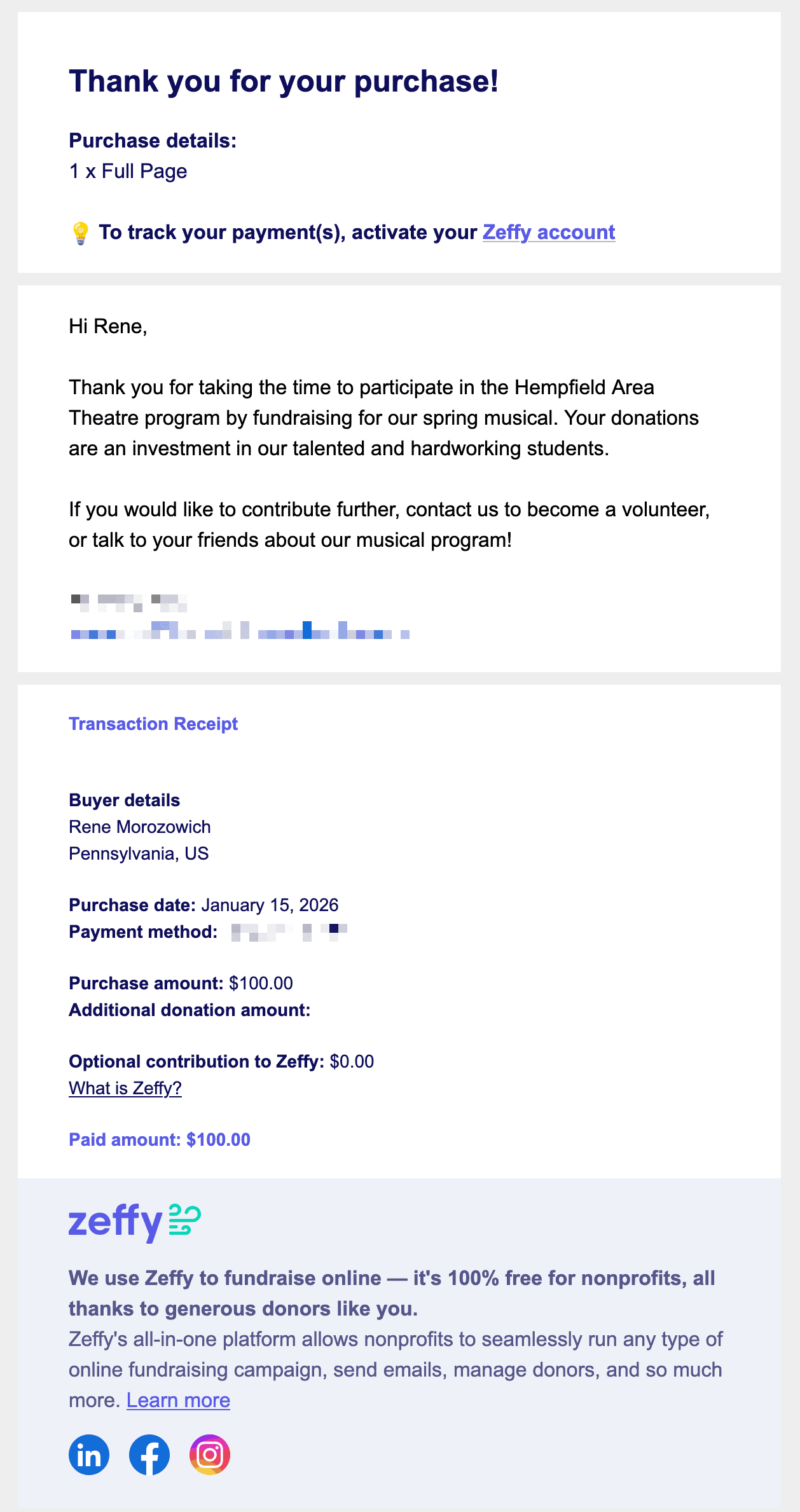
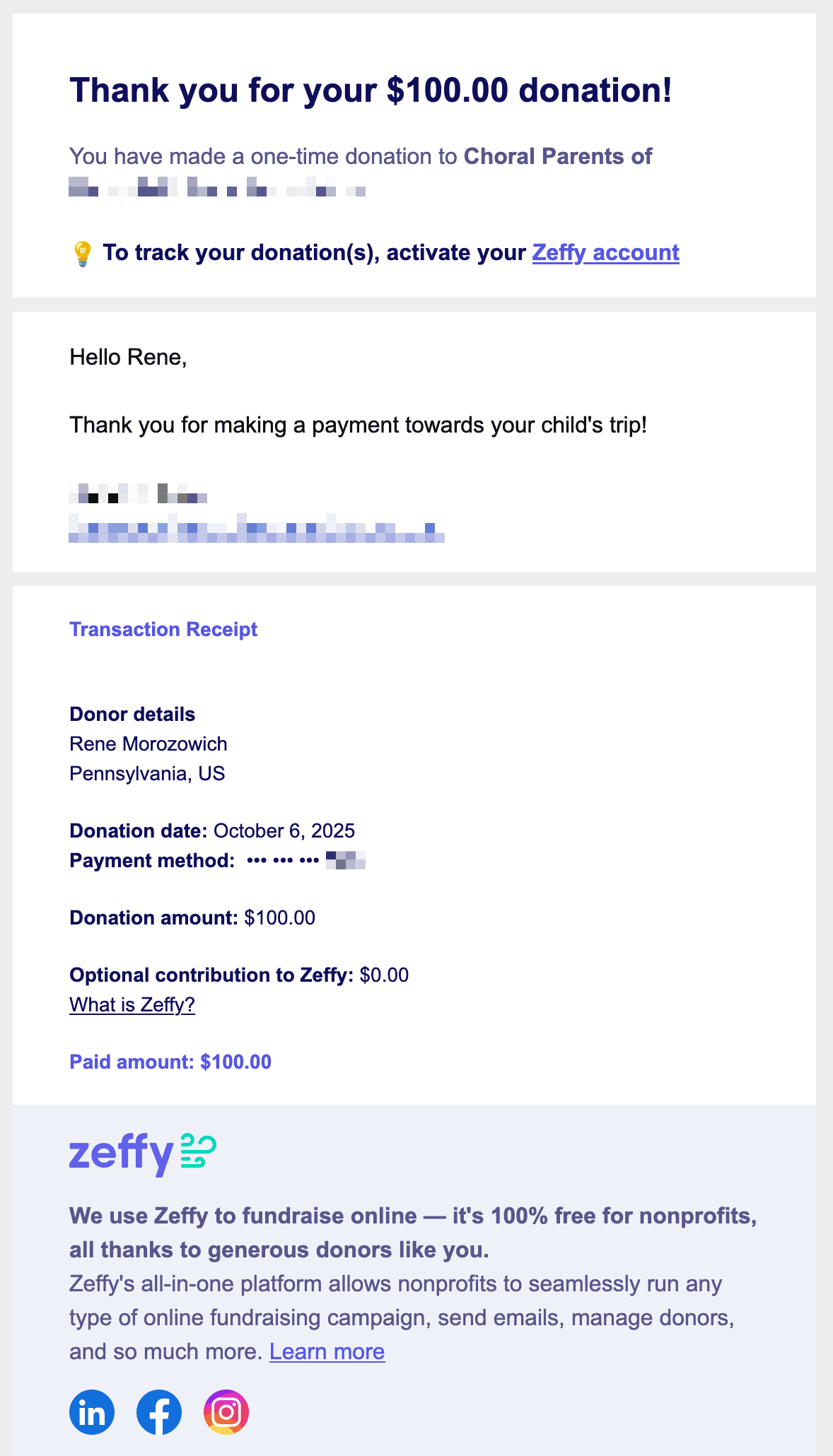
Instead of sharing the screenshots throughout the post, I thought I would share them all here in a gallery. Click on any one to see a larger version and don’t forget to read the captions below. You can also scroll through all of the screenshots.
Final Thoughts
I have been recommending Zeffy as an alternative to GiveWP and other WordPress-specific plugins for a few reasons:
- It’s extremely easy to set up, even for non-technical people
- There are no fees for the organization, plus you can tell people donating how to avoid fees themselves
- Plugins can be buggy and break sites
- It’s harder to have a staging site and/or make significant upgrades to an existing site when you have active donations running on the live site
Watch an official demo of how Zeffy works or if you have specific questions, reach out and I’ll be happy to answer if I can!
